Website Design vs Website Development: What's the Difference?
If you're planning to build a website for your business, you've probably come across two terms: website design and website development.
Some people use them interchangeably. Others treat them as completely separate services.
Although they are closely related, they do different jobs.
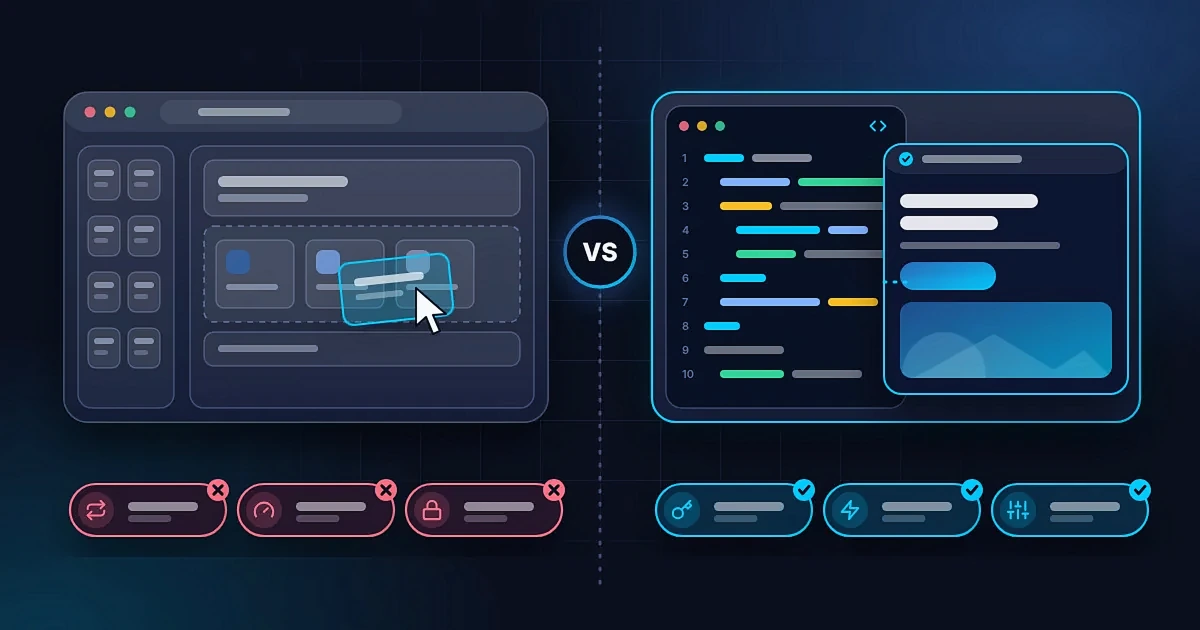
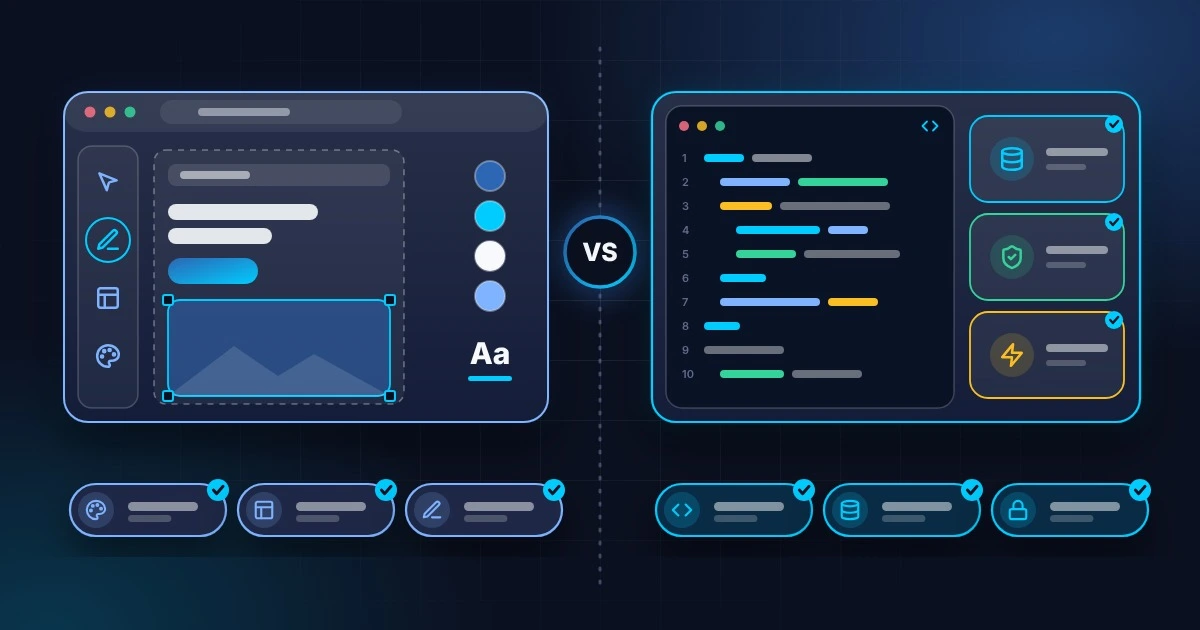
Website design focuses on how a website looks and how people experience it. Website development focuses on building the website and making its features work.
Think of it this way: design creates the plan for the experience visitors will have, while development turns that plan into a working website.
Both matter. A beautiful website that doesn't work properly can frustrate visitors, while a functional website with poor design can struggle to earn trust or communicate its message.
Let's look at what each involves, how they work together, and what your business should consider when hiring someone to build a website.
What Is Website Design?
Website design is the process of planning and creating a website's visual appearance, layout, and user experience.
It determines how information is presented, how visitors move through the website, and how easily they can find what they need.
A website designer considers questions such as:
- What should visitors notice first?
- Where should the main call to action appear?
- How should the pages be arranged?
- Which colors and fonts fit the brand?
- How will the website look on a mobile phone?
- Can visitors understand the content without confusion?
The goal is not simply to make a website attractive. Good design helps people understand the business, navigate its pages, and take the next step.
What Does Website Design Include?
Depending on the project, website design may include the following.
1. Layout and structure
The designer decides how the content should be arranged across the page.
For example, a business homepage might start with a clear headline, introduce its services, show evidence of credibility, and finish with a contact prompt.
2. Colors and typography
Colors, fonts, spacing, and other visual choices help establish the website's identity and make its content easier to read.
These elements should work together rather than compete for attention.
3. User interface design
User interface, or UI, design focuses on the elements people interact with, including buttons, menus, forms, navigation bars, and page layouts.
4. User experience design
User experience, or UX, design considers how easy and useful the website is from the visitor's perspective.
A good user experience helps people complete tasks without unnecessary confusion.
5. Responsive layouts
The designer considers how the website should adapt to different screen sizes, especially phones, tablets, and desktop computers.
6. Visual consistency
The design should feel consistent across the website, including its typography, colors, buttons, imagery, and overall presentation.
For a business, consistency also helps connect the website to its wider brand identity.
What Does a Website Designer Deliver?
Depending on the project, a designer may deliver:
- Website wireframes
- Page layouts and visual mockups
- UI/UX designs
- Mobile and desktop design variations
- Design systems or reusable components
- Brand-aligned visual elements
- Interactive prototypes
These deliverables help establish what the website should look and feel like before or during development.
However, a design mockup is not necessarily a working website. It may show how a page should look without containing the actual code, functional forms, database connections, or other features needed to make it operate.
That's where development comes in.
What Is Website Development?
Website development is the process of building a website and implementing the functionality that makes it work.
Developers use technologies such as HTML, CSS, JavaScript, server-side languages, databases, and website platforms to create working web experiences.
The exact technologies depend on the project's requirements.
For example, a simple business website may need page layouts, navigation, and contact forms. An ecommerce website may also need product management, checkout functionality, payment integration, and order processing.
What Does Website Development Include?
1. Front-end development
Front-end development builds the parts of a website that visitors see and interact with.
It translates the design into working pages, layouts, buttons, menus, forms, and other interface elements.
Common technologies include HTML, CSS, and JavaScript.
2. Back-end development
Back-end development handles the systems that operate behind the scenes.
Depending on the website, this may include server-side logic, databases, authentication, user permissions, and communication with external services.
Not every website needs a complex back end. A simple informational website may require very little custom server-side functionality.
3. Content management systems
Some websites use a content management system, or CMS, to make it easier to update pages, publish articles, or manage products.
The development work may involve configuring the platform, creating templates, and making sure content can be managed properly.
4. Functional features and integrations
Developers implement the features a website needs, such as contact forms, booking systems, payment gateways, search tools, and connections to other services.
The complexity of these features can significantly affect development time.
5. Performance and technical optimization
Development can include improving loading performance, reducing unnecessary code, optimizing assets, and ensuring the website functions reliably across supported devices and browsers.
6. Testing and deployment
Before launch, developers test important features, fix problems, configure the live environment, and publish the website.
A website is not complete just because the pages have been coded. It also needs to work properly in real-world use.
Website Design vs Website Development: The Key Differences
Here's a simple comparison.
| Area | Website Design | Website Development |
|---|---|---|
| Main focus | Appearance and user experience | Functionality and implementation |
| Main question | How should the website look and feel? | How should the website work? |
| Typical work | Layouts, typography, colors, UI/UX | Coding, integrations, forms, data handling |
| Common tools | Figma and other design tools | Code editors, frameworks, CMS platforms |
| Typical deliverables | Mockups, wireframes, prototypes | Working pages, features, integrations |
| Main concern | Clarity, usability, visual consistency | Functionality, reliability, performance |
| Example | Designing a contact form's appearance | Making the form submit enquiries correctly |
The distinction is useful, but the two disciplines often overlap.
A designer may understand HTML and CSS. A developer may have strong design skills. Some professionals and agencies handle both parts of the project.
The important thing is to understand what work is actually included, rather than relying only on the job title.
Can You Have a Good Website Without Both?
Technically, yes. But the answer depends on what you mean by a good website.
A Beautiful Website That Doesn't Work
Imagine a business website with impressive visuals, attractive colors, and carefully arranged sections.
However, the contact form fails to submit, the mobile navigation is broken, and the main buttons lead nowhere.
The website may look professional in a screenshot, but visitors cannot use it properly.
That's what can happen when visual presentation is prioritized without sufficient attention to functionality and testing.
A Functional Website That Looks Unprofessional
Now imagine a website where every link works, the contact form submits correctly, and the pages load quickly.
However, the text is difficult to read, the layout feels cluttered, the branding is inconsistent, and visitors struggle to understand the offer.
The website may function technically, but its presentation can make the business appear less credible than it is.
Good functionality cannot completely compensate for a confusing experience.
The Best Result Combines Both
A successful business website needs an appropriate balance of design and development.
Visitors should be able to understand what you offer, navigate your pages easily, access the website on their devices, and complete the actions they came to perform.
Neither discipline guarantees business results on its own. The website also needs relevant content, a clear offer, suitable traffic, and an understanding of what customers need.
But design and development provide the foundation on which those other elements work.
How Website Design and Development Work Together
Let's use a simple example.
Imagine you're building a website for a photography business.
Step 1: Planning
You identify the main goal: showcase your photography and encourage potential clients to enquire about bookings.
You decide which pages are needed, such as Home, Portfolio, Services, About, and Contact.
Step 2: Design
The designer plans how the website should look and how visitors will move through it.
They decide how photographs will be displayed, how the services will be presented, and where visitors can find the booking enquiry button.
The design also considers mobile screens, because many potential clients may visit from their phones.
Step 3: Development
The developer turns the approved layouts into working pages.
They implement the navigation, image galleries, service sections, contact form, and other required features.
If the project needs a CMS, they may also configure a way for the photographer to add new projects without rebuilding the entire website.
Step 4: Testing
The website is checked on mobile and desktop devices.
The team verifies that images display properly, the navigation works, the contact form submits correctly, and the important pages load as expected.
Step 5: Launch
The website is connected to its domain and published.
After launch, the owner can share the portfolio, send potential clients to the website, and improve its content as the business grows.
Notice that design and development are not competing activities. They are connected stages of the same process.
Which Is More Important for Your Business?
Neither is universally more important. The priority depends on your current problem and the goals of your website.
If people don't understand your offer, you may need clearer content, better page structure, or stronger design decisions.
If visitors struggle to navigate the website, improvements to the user experience and interface may help.
If your forms, checkout, or booking system don't work, development and technical testing become priorities.
If your website looks fine but loads slowly, technical performance work may be needed, although large images and other design choices can also contribute to the problem.
If you're starting from scratch, it's usually better to plan the design and development together so that the visual experience and functionality support the same goals.
For most businesses, the right question isn't which discipline matters more. It's what the website needs to do and what combination of design and development will achieve that.
Do You Need a Website Designer, a Developer, or Both?
This depends on your budget, the complexity of your website, and the skills of the person you hire.
Hire a Website Designer When...
You already have a working website but need to improve its visual appearance, layout, branding, or user experience.
You might also hire a designer if you need mockups or prototypes before deciding how to build a new website.
Keep in mind that design work alone may not include implementing those designs on a live website.
Hire a Website Developer When...
You already have a clear design and need someone to build it.
You may also need a developer to fix technical problems, add functionality, connect integrations, improve performance, or maintain an existing website.
Make sure the developer's services include the specific features and implementation work you need.
Hire Someone Who Handles Both When...
You want one provider to manage the website from planning through design, development, testing, and launch.
This can simplify communication and coordination, especially for small businesses that don't have an internal team.
Before hiring an agency or individual, confirm whether the quoted service includes both design and development. Some providers offer only one, while others offer a complete website project.
At Emmy STACK01, our website work brings design and development together to create websites that are visually consistent, functional, and aligned with the client's goals.
Does Website Design or Development Affect SEO?
Both can influence how well a website supports search visibility, although neither guarantees high rankings.
How Design Can Support SEO
Good design can make content easier to read and navigate.
A clear page structure helps visitors find information, while logical layouts and useful navigation can make important pages easier to discover.
Designers should also consider mobile layouts, readability, and how content is organized.
How Development Can Support SEO
Development affects the technical foundations of a website.
Depending on the implementation, this can include:
- Page loading performance
- Mobile functionality
- Crawlable links
- URL structure
- Indexability settings
- Redirects
- Structured data
- Sitemap configuration
- Technical errors that prevent pages from working correctly
The quality of the content matters too. A technically sound website with unhelpful content may still struggle to attract relevant visitors.
SEO should therefore be considered throughout planning, design, development, and content creation rather than added only after launch.
If you want to understand how your website can become easier for search engines and AI-powered search experiences to interpret, read our guide to Generative Engine Optimization (GEO).
How Much Do Website Design and Development Cost?
The cost depends on the size of the project, the provider's experience, the features required, and the amount of customization involved.
Some providers charge separately for design and development. Others offer a combined package covering the complete website.
You may also encounter separate charges for content writing, branding, domain registration, hosting, premium tools, maintenance, or ongoing SEO services.
When comparing quotes, check what each one includes. A low initial price may not cover everything you need to launch a complete website.
For a closer look at typical website budgets in Nigeria, read our guide to how much a website costs in Nigeria.
Final Thoughts
Website design and website development serve different purposes, but they work best when they support each other.
Design determines how the website looks and how people experience it. Development turns that design into a working website with the functionality your audience needs.
If you're planning a website for your business, don't focus only on how it looks or whether the code works. Think about the complete experience you want visitors to have, from the moment they arrive to the moment they contact you, book a service, or make a purchase.
The right approach will depend on your goals, budget, and technical requirements.
At Emmy STACK01, we help businesses and professionals build a stronger online presence through thoughtful website design and development.
Explore our website development services or review our pricing to find the right next step for your project.