Preview
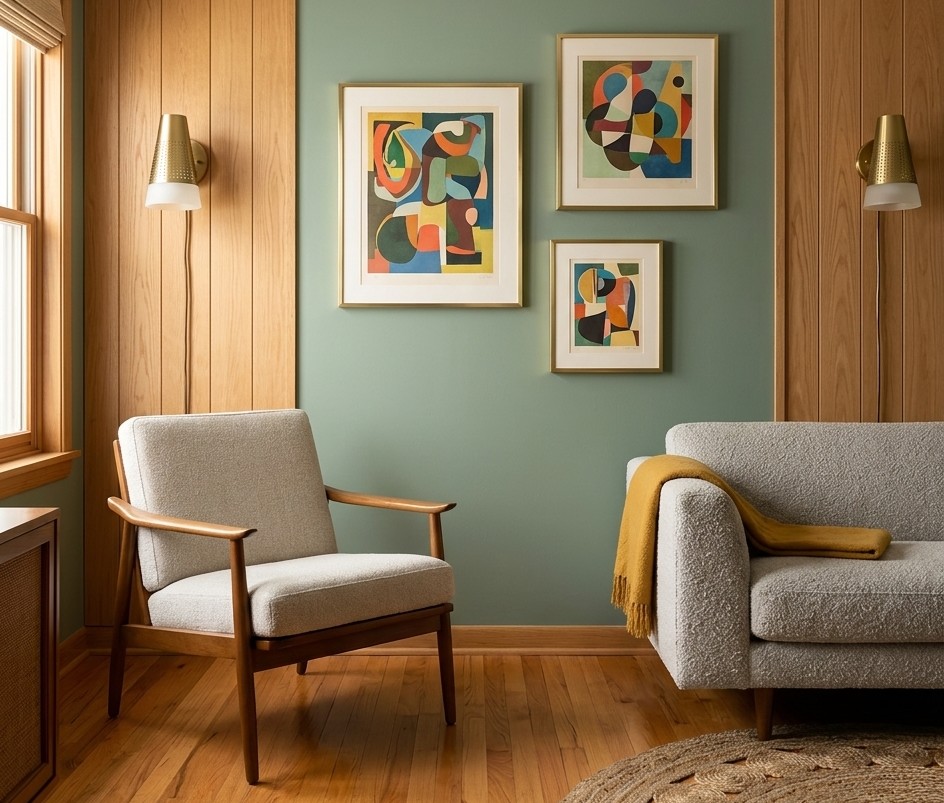
Tip: drag your logo or QR code on the preview, or use the position buttons. With a canvas selected, the arrow keys nudge it.
Background
Your logo
QR code
Why Meeting Studio
Real rooms, your brand
Pick a professional room or upload your own image or video, then place your logo exactly where you want it.
Scan-to-connect QR
Add a QR code to your website, booking page or card. Clients can scan it straight from your video call.
Private by design
Your logo and images are processed in your browser and never uploaded to our servers.
Questions
What size is the background?
Every download is 1920 x 1080 pixels (16:9), which works for Zoom, Google Meet and Microsoft Teams. Open your meeting app’s background settings and upload the image.
Will people be able to scan the QR code?
Yes, if it stays large and high-contrast. Keep it at about 220px or bigger in the editor, make sure nothing covers it, and test it with your phone. Video compression can blur small codes.
Why use the “where I’ll sit” guide?
You will usually be in the centre of the frame. The guide shows that area so you can keep your logo and QR code on the sides where they stay visible.
Why does my own view look mirrored?
Some apps flip your self-view like a mirror, so text can look reversed to you. Other people on the call still see it the right way round.
Can I use a video background?
You can preview the animated background, but the download is a still image of the current frame. Video files for meetings are best prepared in a video editor.
Make your brand look as good as your call
Your background is the first thing clients see. Let us build the website they land on next.
See website packages